

Contact form enquiries that arrive sorted instead of vanishing in a mailbox
Every form submission becomes a request with a status and a history. The AI recognises what it is about, drafts a reply, and the reply goes to the sender by email.
What you get
- Existing form connected or a new one built
- Up to 20 fields of your own
- A trap for bots instead of picture puzzles
- An email to you for every enquiry
- A reply suggestion, sent to the sender by email
- Fields
- Name, email, phone, WhatsApp, message and up to 20 of your own
- Starts in
- Suggest mode
- Reply
- By email to the sender
- Example
- Both forms on this website
The problem is not the form, it is the email afterwards
A contact form almost always does the same thing: it sends an email to a shared address. From there it gets forwarded, someone reads it on their phone and means to reply later, and by Monday nobody knows whether that happened.
The form did its job. What is missing is everything after it: who owns the enquiry, whether it has been answered and what the customer already wrote. That is exactly what every form enquiry gets in GoSupportIt, because it is no longer an email but a request with a status.
What happens to a form enquiry
From submit to reply in four steps, without anyone forwarding an email.
Arrive
The form sends straight to GoSupportIt. The request appears in the inbox and you get an email about it.
Sort
The AI recognises whether it is a question, a quote request, a booking or a support case, and how urgent it is.
Suggest
It drafts a reply from your knowledge. Forms deliberately start in this mode.
Reply
You send it, as it is or edited. The reply goes by email to the address from the form.
Ask in the form what you need to reply
The most common reply to a form enquiry is a question back. For when? For how many? Which model? Every question back costs a day, and some customers never reply after it.
So besides name, email, phone, WhatsApp number and message, the form carries up to 20 fields of your own. Which ones, we decide with you, based on the questions you ask back most often today. Whatever the AI already gets in the form, it does not have to ask for.
Our own form as the example
The two forms on this website, the contact form and the project enquiry, do exactly that. Every enquiry goes to our team by email as before and additionally as a copy to GoSupportIt. If GoSupportIt is ever down, the sender notices nothing, because the email alone decides whether the submission worked.
That is also an option for you if you want to keep your existing form: it keeps sending as usual and also sends to the inbox. Or you replace it entirely and have the form send straight to GoSupportIt. Which route fits depends on what hangs off your form email today.
How many enquiries do you get a month?
Tell us what comes in and through which channels. We tell you what the AI can take on and what stays with you.

This runs on GoSupportIt
GoSupportIt is a product of Digital Vibes GmbH, which is us. The chat on this website runs on it too. We set it up for you and tune it.
- Website chat, contact form, Gmail and API in one inbox
- Per channel: AI off, suggest or autopilot
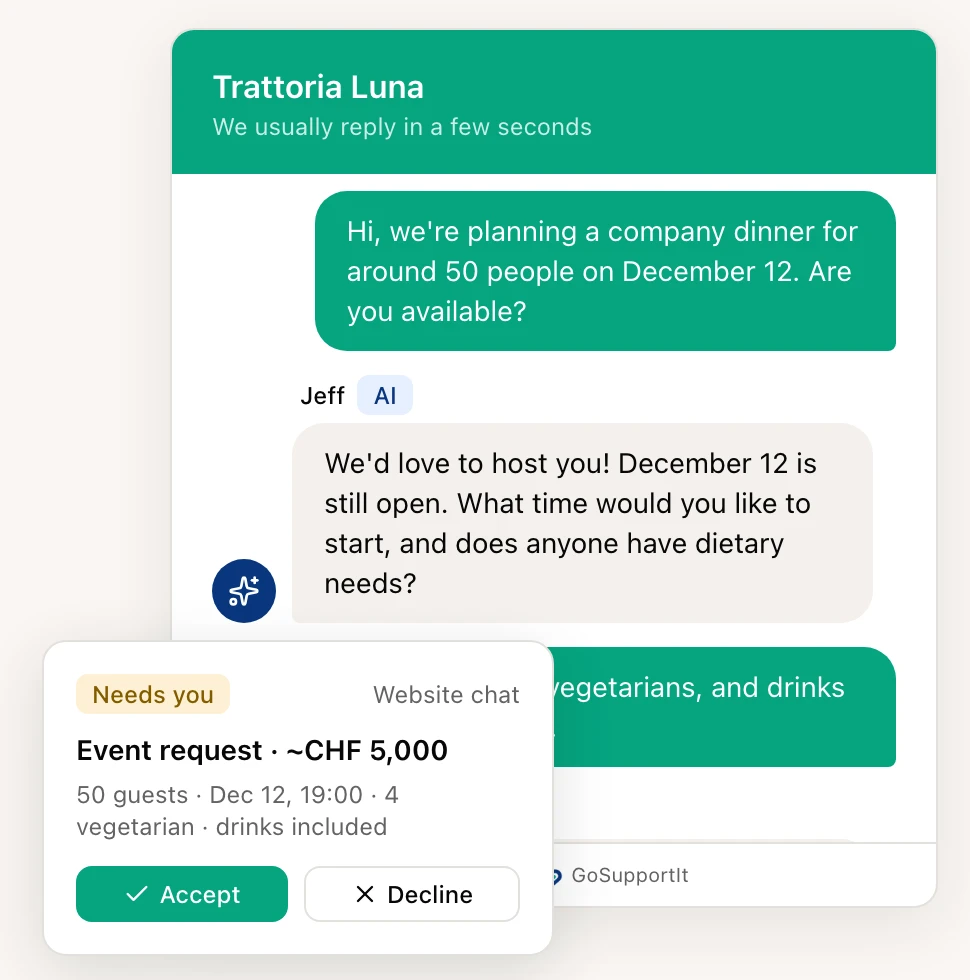
- Whatever needs a decision lands with you, details included
More enquiries that also get answered
A good form brings more enquiries, and the inbox makes sure none are left lying. We set up both, build the page the form sits on if you want, and make sure more people get that far in the first place.
AI Customer Support
Website chat, contact form and Gmail in one inbox. The AI answers or suggests, you decide. We set it up.
Learn moreWebsite & SEO
Website, SEO, hosting and ongoing care in one place. Built so your web presence gets found and brings enquiries.
Learn moreDigital Advertising
Campaigns on social, Google and LinkedIn that bring the right visitors to clear landing pages.
Learn moreCommon questions
Yes. The form can keep sending to your address and additionally to GoSupportIt. That is how we do it on this website. For form plugins that allow no second destination, we build a small relay or replace the form.
With a trap for bots: a field that people do not see and bots fill in. Your visitors do not have to click on traffic lights or crossings for it. It does not rule out spam entirely, but most automated submissions stay out.
Only if you switch it on. Forms start in suggest mode: the AI writes, a person sends. You can put the channel on autopilot later, and if you want the AI then waits a few minutes, so the reply does not arrive seconds after submitting.

Ready to become more visible online?
Tell us where you are now. We will show you which mix of social media, website, SEO, content and automations makes sense.